Feature Engineering Workspace
The Feature Engineering workspace contains various elements that help in creating a Feature Engineering pipeline.
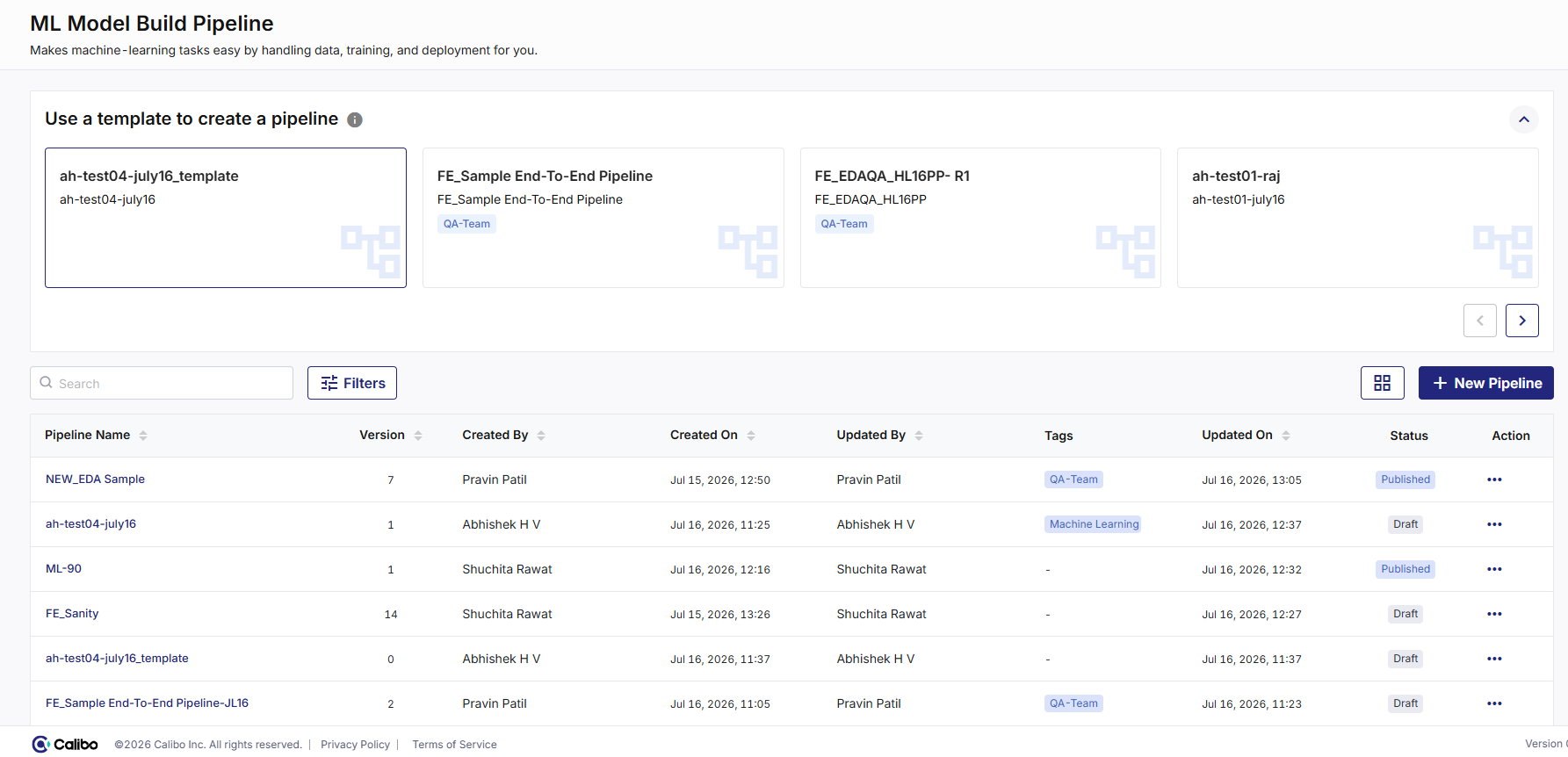
-
The template section lets you create a new pipeline using templates. See Create an FE pipeline using a template.
-
Filters let you filter the pipelines based on the following fields:
-
Created By
-
Created On
-
Updated By
-
Updated On
-
Status
-
Reset, Cancel or Apply the filters.
-
-
The list of FE pipelines shows the following details of each pipeline:
-
Pipeline Name
-
Version
-
Created By
-
Created On
-
Updated By
-
Tags
-
Updated On
-
Status
-
Action
-
-
 - Click to change the list view of FE pipelines to tile view.
-
+ New Pipeline - Click the option to create a new pipeline. See Create an FE pipeline using components.
|
What's next? Components of Feature Engineering |
 Recommended Topics